5 Tips to Maximize Your GPU Earnings with ShareThePower
Learn the best strategies to earn more passive income by optimizing your GPU sharing settings, timing, and hardware setup.
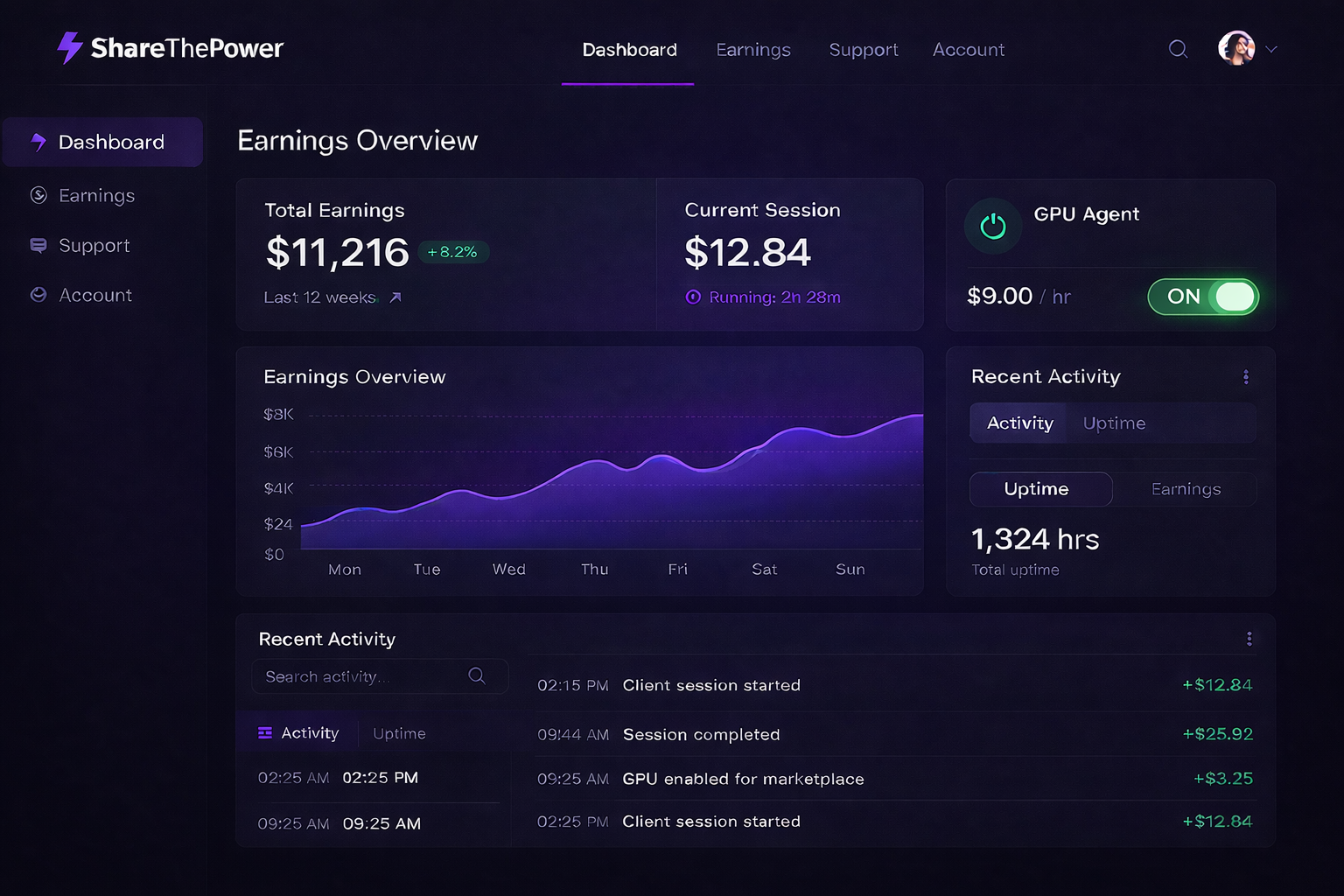
Want to squeeze every dollar out of your GPU? Here are five proven strategies our top earners use to maximize their passive income.
1. Run During Off-Peak Hours
Enterprise clients often schedule batch jobs overnight when their own offices are closed. This means higher demand between 10 PM and 6 AM in your local time.
Pro tip: Set ShareThePower to run while you sleep. You'll wake up to earnings without any daytime disruption.
2. Choose the Right Power Level
While 30% power gives you maximum earnings, it's not always the best choice:
| Power Level | Earnings | Best For |
|---|---|---|
| 10% | ~$16/day | Gaming sessions, light work |
| 20% | ~$33/day | Regular work, browsing |
| 30% | ~$50/day | Sleeping, away from computer |
Our recommendation: Use 10-20% during active use, 30% when idle.
3. Keep Your Drivers Updated
Outdated GPU drivers can reduce performance by up to 15%. Our software works best with:
- NVIDIA: Version 535 or later
- AMD: Adrenalin 23.5 or later
Enable automatic updates to stay current.
4. Optimize Your Cooling
A cooler GPU performs better and lasts longer. Consider:
- Clean dust from fans monthly
- Ensure good case airflow
- Consider an aftermarket cooler for desktop cards
- Use a laptop cooling pad for portable setups
Keeping temperatures below 75°C ensures maximum performance.
5. Stack Multiple Devices
If you have more than one computer, you can earn from all of them. Many of our top earners run ShareThePower on:
- Their gaming desktop
- A work laptop
- An older MacBook
Each device earns independently, and you get paid for all of them in one weekly deposit.
Bonus: Refer Friends
Our referral program gives you 10% of your friends' earnings for 6 months. If you refer 5 friends who each earn $30/day, that's an extra $450/month for you.
Start implementing these tips today, and watch your earnings grow. Have questions? Join our community Discord or reach out to support.